agent guide · about 30 minutes plus review time
Set up your Google Business Profile, start to finish.
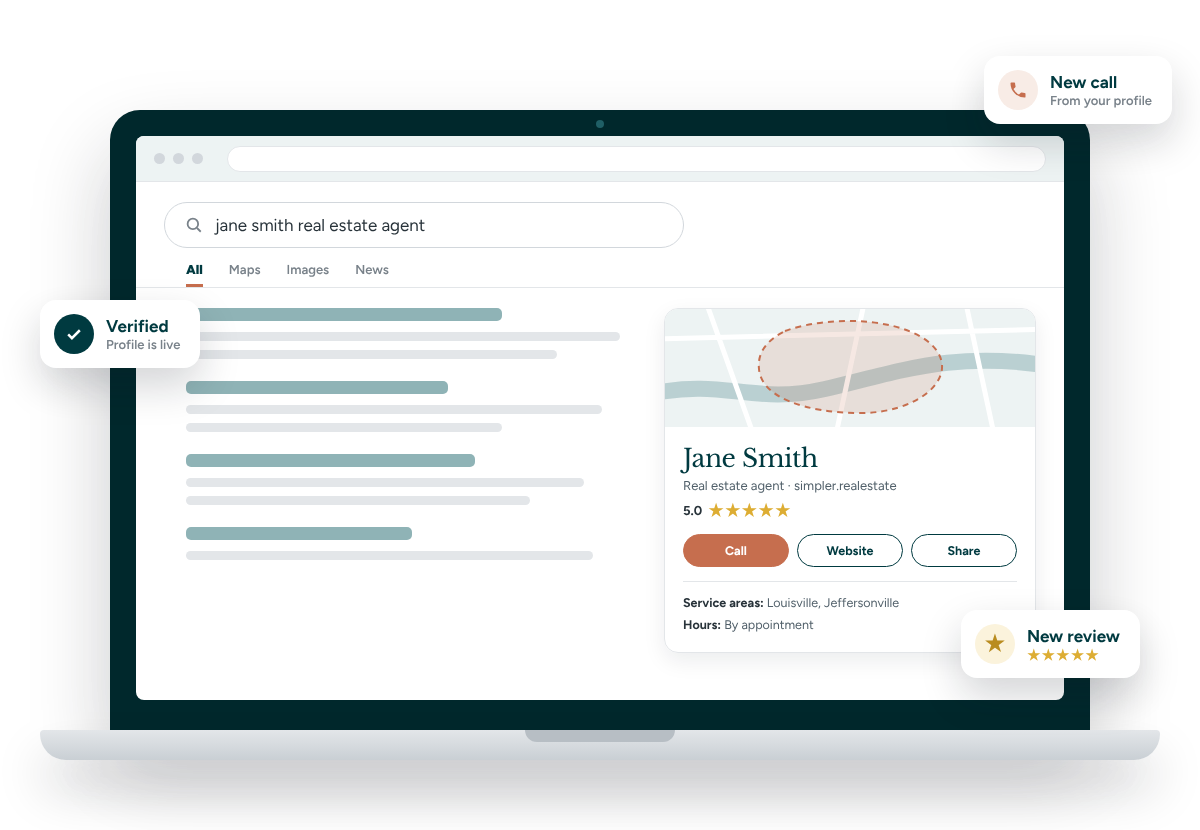
This is what people see when they search your name on Google or Maps. Four phases: get ready, create it, verify it, then finish it so it actually brings in calls.
Get ready
5 minutesHave these decided before you open Google. Changing your name or category after you're verified can send you back through verification.
Your name only
Exactly as it appears on your license, like Jane Smith. No "Realtor," brokerage name or city.
Category
Real estate agent as your primary category.
Google account
The account you'll manage it from long term. Sign in before you start.
Phone
Your direct cell, the number you answer.
Website
Your agent page on simpler.realestate.
Service areas
Up to 20 cities, counties or ZIP codes, within about 2 hours of home.
Create the profile
10 minutes- 1Start
Go to business.google.com/create
If Google says your profile already exists, request ownership instead of making a new one.
- 2Name
Enter your name and category
Your name only, then pick Real estate agent.
- 3Important
"Do customers visit a location?" Choose No
This keeps your home address off Google. Your address stays private.
- 4Areas
Add your service areas
Type each city, county or ZIP you serve. Up to 20.
- 5Contact
Add your phone and website
Your cell and your simpler.realestate agent page.
- 6Next
Click Finish, then Verify now
Google will walk you into verification. Phase 3 covers it.
Verify it
1 video · up to 5 business daysGoogle will usually ask for a video. Tap Change option once first, because sometimes it offers a phone, text or email code instead. If video is the only choice, record it on your phone, in one take, 1 to 2 minutes, no edits.
The shot list
- 1Where you work
Start outside
Film the street sign at your nearest corner, plus a landmark if one is close.
- 2No breaks
Walk inside
Keep recording the whole way. Don't stop or pause.
- 3Your name
Show your name
Business card, sign rider or license card. Cover the license number.
- 4Proof
Prove you're the agent
Open Flexmls, your CRM or your eKEY app with your name on screen.
- 5Done
Stop and submit
Google reviews it in up to 5 business days. You can keep filling in your profile meanwhile.
Or shoot it at your listing
- Film the nearest street sign.
- Show your yard sign and name rider.
- Unlock the lockbox with your eKEY.
The listing must be inside your service area.
Keep out of frame
- Faces, including yours
- Your house number
- License, ID or bank numbers
- Client names or files
Rejected?
Check Review issues in your profile, then record again with everything from the first video plus whatever was missing.
Before you film
Double-check that the name on your profile matches your business card exactly. A mismatch is one of the easiest ways to get rejected.
Finish your profile
15 minutesA bare profile rarely gets calls. Once you're verified, open your profile from a Google search of your name and fill in these.
- 1About
Write your description
Up to 750 characters. Who you help, where, and how. Include "simpler.realestate." No links or prices.
- 2Photos
Add your photos
Your headshot as the profile photo, plus a cover photo. Add listing and neighborhood photos over time.
- 3Hours
Set hours, or leave them off
Only list hours you reliably answer. Most work is by appointment, so blank is fine.
- 4Services
Add your services
Buyer representation, seller representation, relocation, first-time buyers. Only what you do.
- 5Biggest win
Get your review link
Tap Ask for reviews, copy the link and send it to recent past clients.
- 6Posts
Publish your first post
A listing, a recent closing or a local tip. Aim for one a month.
Keep it healthy
- Reply to every review, good or bad
- Post at least once a month
- Keep one profile only. Duplicates can get you suspended
- Don't change your name or category on a whim. It can trigger re-verification
Stay compliant
- Brokerage name in your description and posts. Kentucky requires it on every page or post
- Fair Housing language in everything you write
- No client photos or names without permission
- Disclose virtual staging on any listing photo
SourcesGoogle Business Profile Help: create a profile (answer 10514137), guidelines (answer 3038177), edit profile (answer 3039617), video verification (answer 14271705). Kentucky advertising rule 201 KAR 11:105. Indiana agents: check your firm-name advertising rules with your managing broker.